



Overview
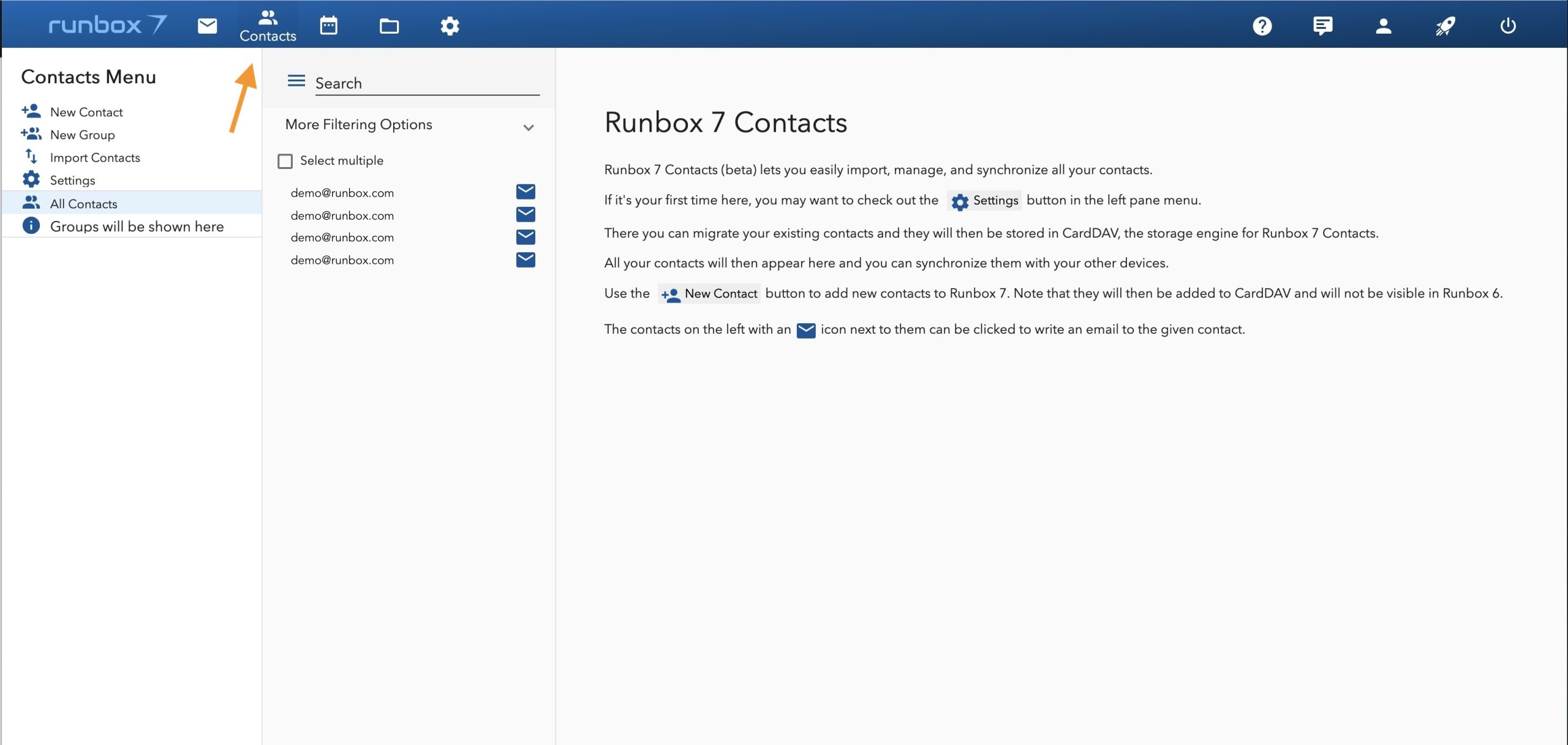
- lets you .
- Contacts with email icons can be clicked to compose an email.
Adding Contacts
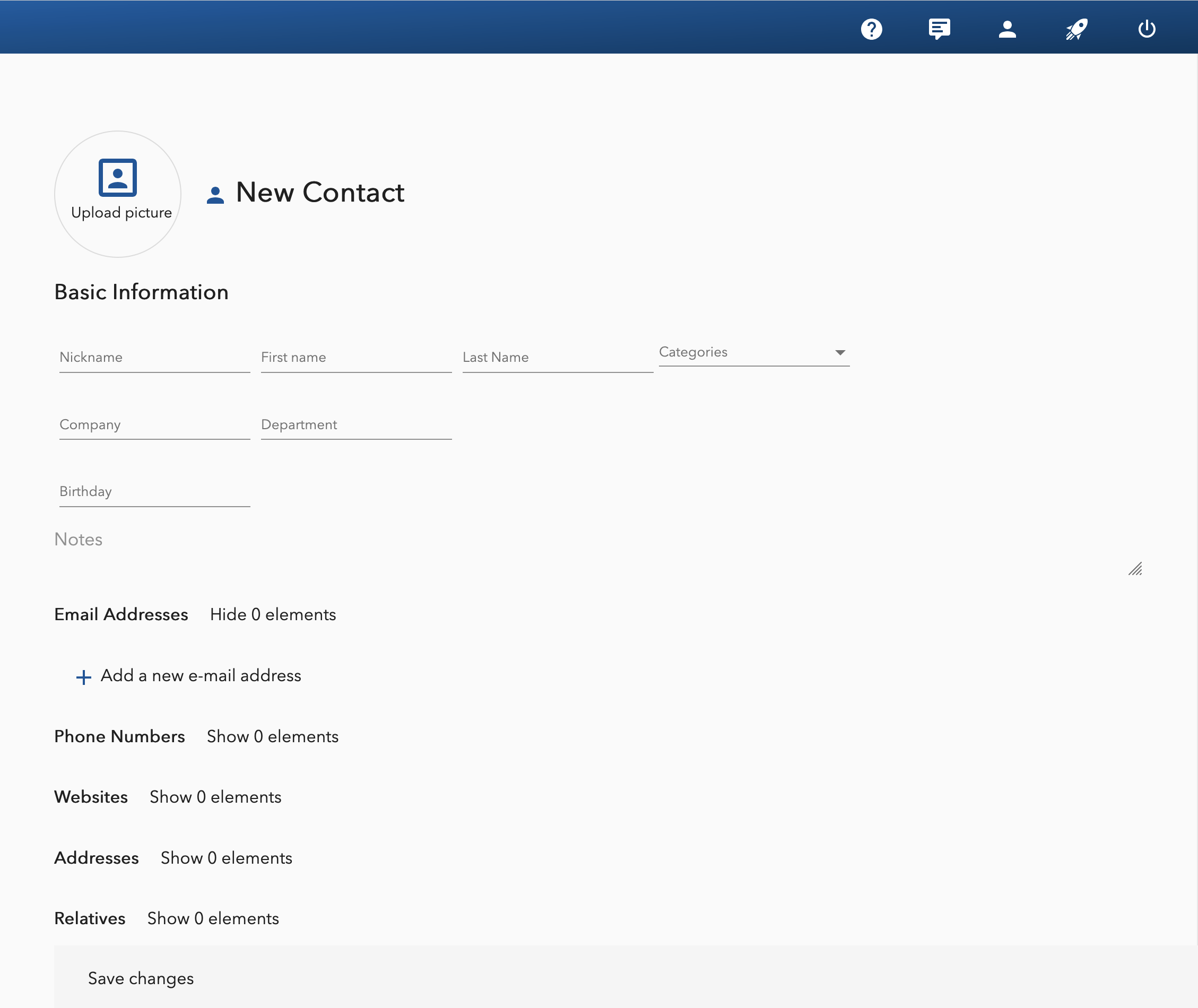
Use the New Contact button to add contacts via . (Contacts added in Runbox 7 won’t appear in Runbox 6.)
Importing Contacts
- Use the Import Contacts function to import contacts from vCard/VCF files.
Creating Groups
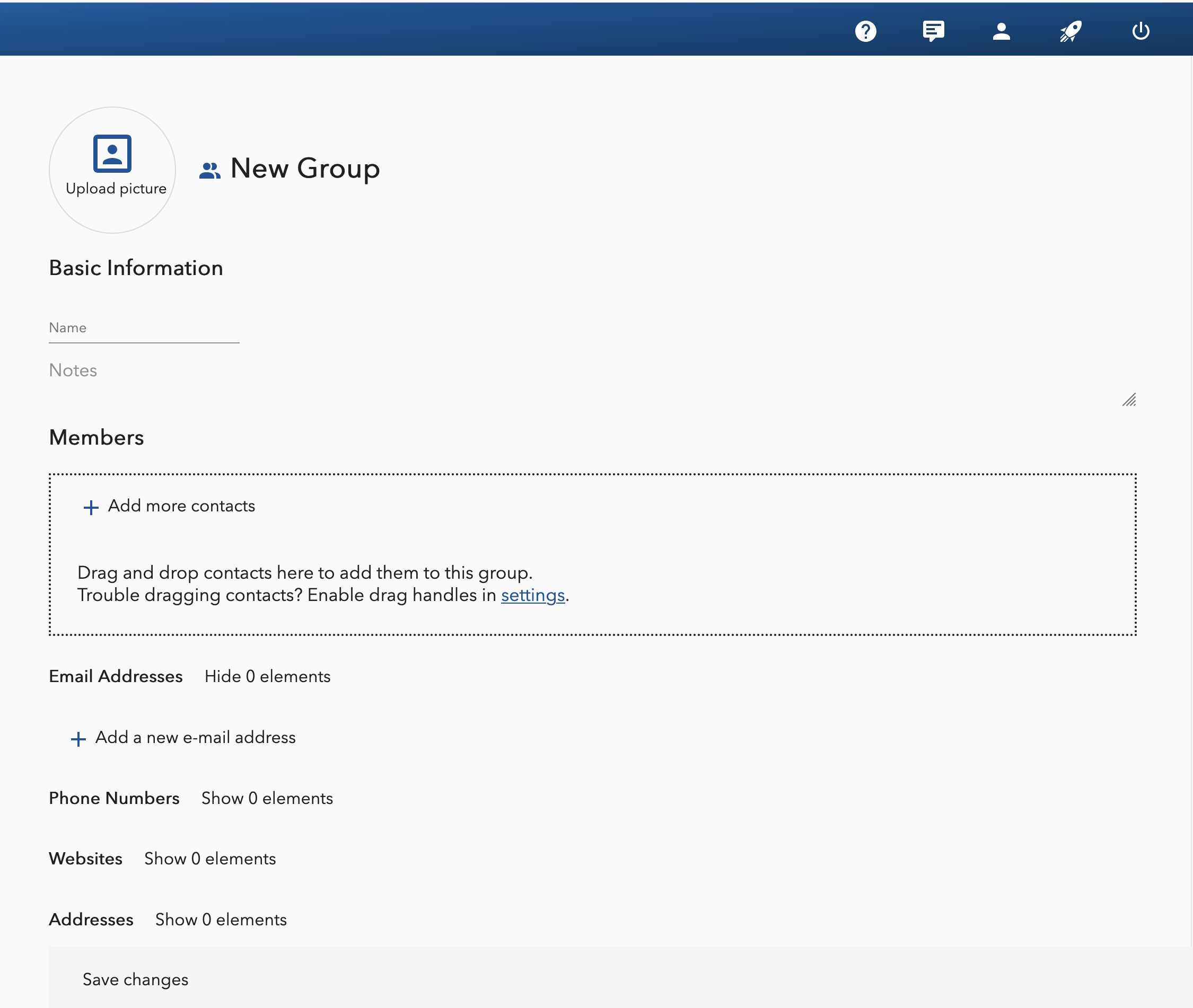
- You can create Groups to organize your Contacts, useful for streamlining communication by allowing you to send messages to multiple recipients at once.
- Drag and drop Contacts to add them to this group. Remember to hit Save.
Migrating and Exporting
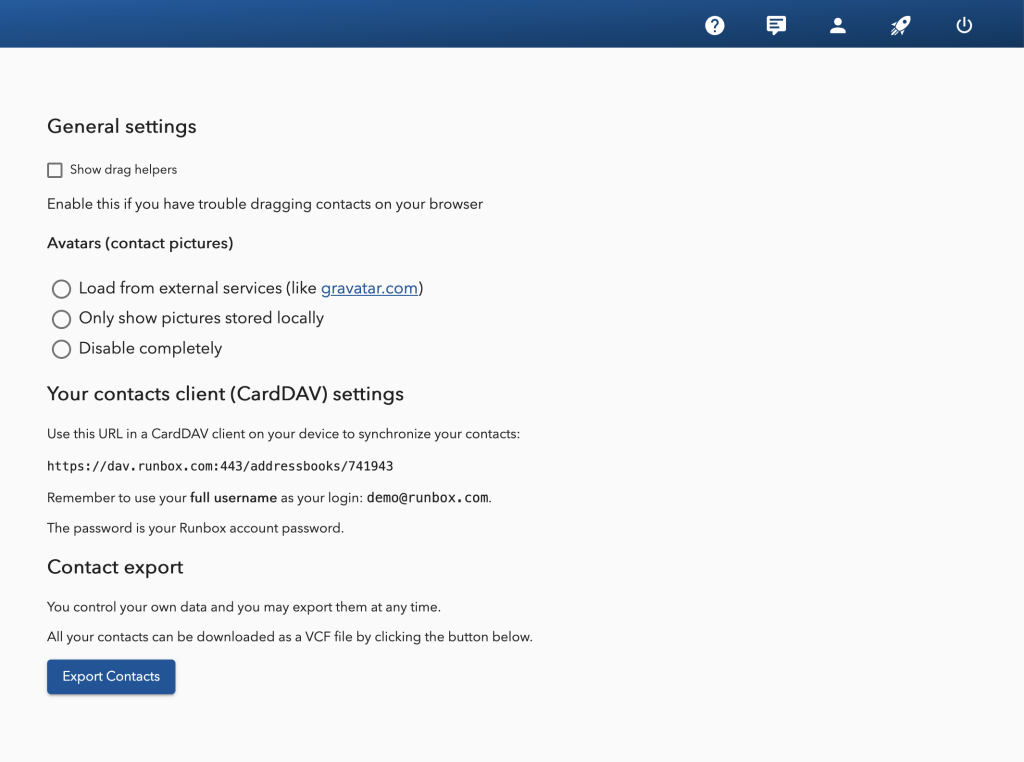
- Migrate your existing Contacts and they will be stored in CardDAV. All your Contacts will then appear there and you can synchronize them with your other devices. Go to Settings to synchronize.
- Easily export your Contacts to a vCard file. Go to Settings to export your data.