




Contents
How to download the Runbox Mobile App
The Runbox app is a Progressive Web App (PWA), a modern approach to webmail that brings you a fast, app-like experience directly through your phone or tablet. Built using open web technologies, the Runbox PWA delivers the convenience of a mobile app without needing to visit an app store.
You can use any mobile browser to access and install the Runbox Progressive Web App (PWA) directly on your phone—no App Store required—making it ideal for privacy-focused devices like Fairphone, /e/OS, or phones running LineageOS or GrapheneOS.

On iOS (Apple Devices)
To use Runbox like a native app on your iPhone or iPad, simply:
- Open Safari (or another supported browser) and go to the Runbox 7 Webmail.
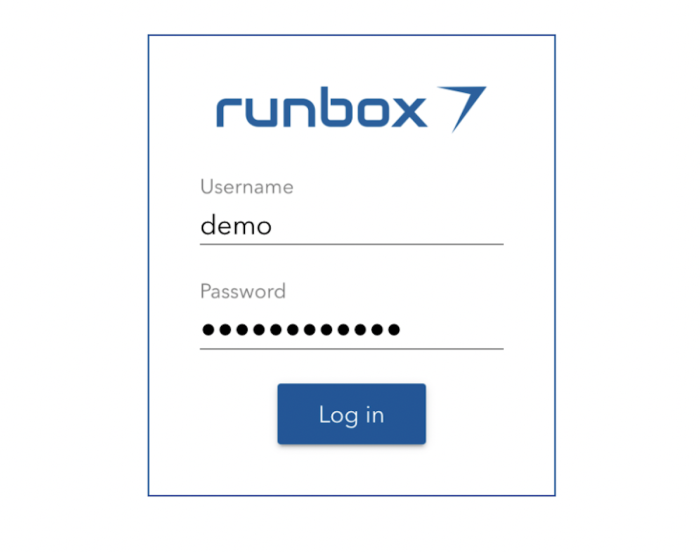
- Log in with your username and password.
- Tap the Share icon in the bottom menu.

- Scroll down and select “Add to Home Screen.”
- Click Add.
- The app will now appear on your home screen like a regular app.
On Android
To install Runbox on your Android phone or tablet:
- Open Chrome (or another supported browser) and go to the Runbox 7 Webmail.
- Log in with your username and password.
- Tap the menu (three dots ⫶ ).
- Tap the “Add to Home screen”.
- The app will now appear on your home screen like a regular app.
* On Android, you should get a prompt to download the app as soon as you go to www.runbox.com/app in the browser.
On Fairphone, PinePhone, and Xperia
Open the browser of your choice
- Open a browser and go to the Runbox 7 Webmail.
- Log in with your username and password.
- Tap the Share icon in the menu bar.
- Tap “Add to Home screen” option in the browser’s menu
- The app will now appear on your home screen like a regular app.
To access Runbox mail, simply tap the icon, and log in with your credentials.
The Runbox progressive mobile app gives you the freedom of email on the go—with the privacy and performance you expect. Always up-to-date with the latest Runbox features, secure and built on open web standards.